Escooter World Guides
Walkthroughs for Ausom Scooter World — from first spawn to Wheelie Bonus mastery.
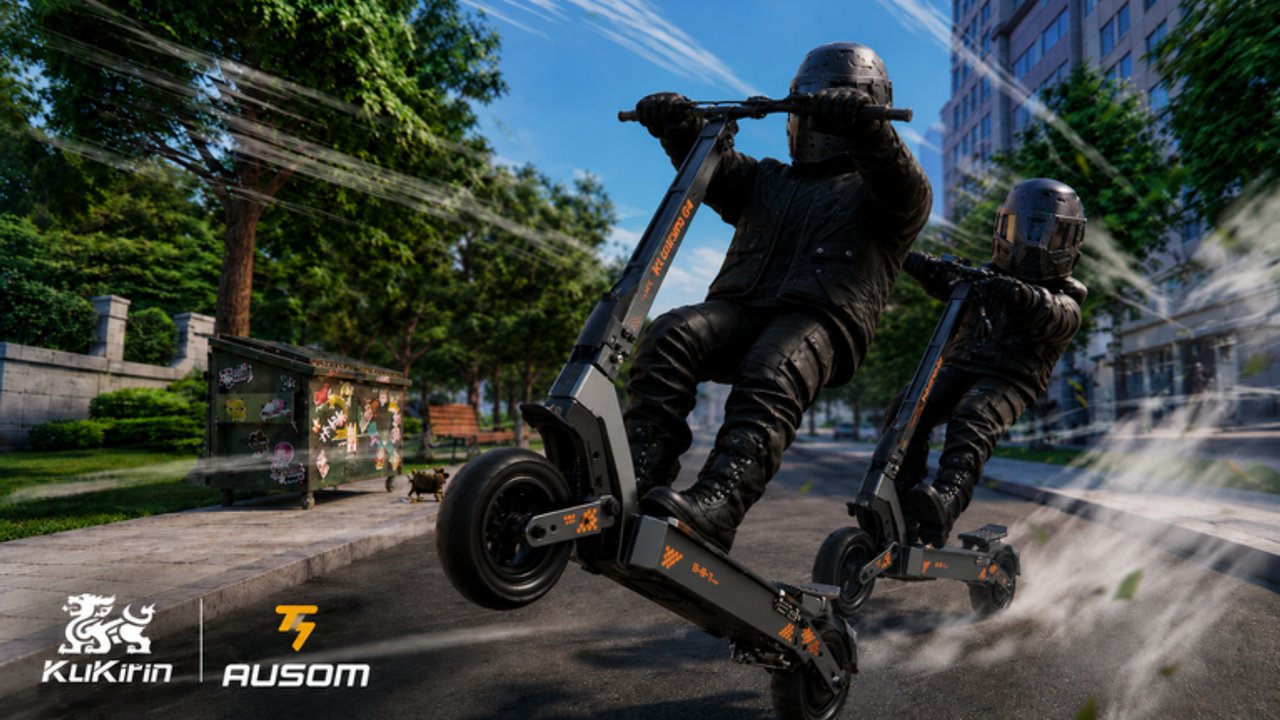
Welcome to the Guides Hub for Escooter World, the fan wiki for Roblox Ausom Scooter World by Creator Scoots / Gogos Games Studios. This open-world electric scooter simulator launched on 21 May 2026 as a free-to-play experience with realistic suspension, weight transfer, ragdoll crashes, Street Races, and Free Ride trails. Whether you just clicked Play or you are optimizing KuKirin parts for longer wheelies, start here and jump into the guide that matches your goal.
Start here
New players should open the Getting Started walkthrough first. It covers joining the experience, reading the shop UI on the left side of the screen, redeeming early codes, understanding stamina boost with Shift, and choosing a sensible first upgrade path instead of dumping cash into random cosmetics. Pair that page with the live list on Codes so you do not miss COMPENSATION, THANKYOUFORWAITING, SORRY4DATALOSS, or SCOOTEREALISM while they still work. When the HUD feels familiar, skim Map Overview so spawn hub, Shop district, Skate Park, east race gates, west residential practice blocks, and the south riverfront farm line are not a mystery.
Core mechanic guides
The economy and the fun loop both orbit the Wheelie Bonus. Our How to Wheelie guide explains speed build-up, leaning back with S or the down stick, micro-adjustments that keep the front wheel up without looping, and practice routes in the west residential area and along the south riverfront path. Once you can hold a clean wheelie, move to How to Earn Cash for farming loops that combine wheelies, Street Races, Free Ride exploration, and code payouts into a steady cash-per-hour plan.
Geography and competition deepen that loop. Map Overview maps Harbor Sprint, Downtown Circuit, and Suburban Loop landmarks beside Free Ride trails. Street Race covers joining east gates, race builds versus wheelie builds, tire and motor priorities, and when lobbies beat Free Ride for Cash. Upgrades explains Shop spending on motor, tires, suspension, and deck parts — including how to burn compensation Cash wisely on the Leopard → Gallop → Leopard Pro / KuKirin ladder instead of impulse frames.
Controls and input setups
Not every player uses a keyboard. The Controls page maps PC keys (W forward, S brake and lean back, A/D turn and lean, Space for jump and tricks, Shift for boost), mobile touch layouts, and controller stick behavior so you can reproduce the same lean timing on any device. Bookmark it if friends join on phone and ask why their wheelies feel different from yours on PC.
Build and meta links
Guides alone do not tell you which scooter to buy. Cross-check every upgrade recommendation against the Tier List Hub and the detailed Best Scooters ranking, and keep Upgrades open while you spend. Community tiers roughly place Leopard Pro and top KuKirin race builds in S, upgraded Ausom Leopard and Gallop in A, mid KuKirin street models in B, and starter cash scooters in C. Criteria that matter most here are top speed, wheelie stability, off-road manners, and cash per hour — not just sticker price.
How to use this hub
- Finish Getting Started and redeem codes.
- Orient with Map Overview, then drill wheelies on the practice routes in How to Wheelie.
- Lock a farming route from How to Earn Cash.
- Queue cleaner events with Street Race when you are sharp.
- Confirm inputs on Controls if anything feels off.
- Spend savings using Upgrades and Best Scooters instead of impulse buys.
Also skim Updates after major patches, check Players for creator and community context, browse Scripts only if you understand the risks, and keep Official Links handy for the Roblox experience page.
What these guides assume
Ausom Scooter World is a physics-forward sim. Suspension compression, weight transfer when you lean, and ragdoll outcomes after bad landings all matter. Guides on this hub teach technique and economy — they do not promise instant S-tier scooters without practice. Read one page fully, practice in a quiet Free Ride area, then come back when a patch changes parts or race rewards. Internal links always use trailing slashes so every locale stays consistent.
If a section contradicts something you see in a new update, trust the live game and the Updates log, then refresh this hub. Escooter World aims to stay practical: short paths into deep pages, real control maps, and cash advice that respects Wheelie Bonus as the main multiplier — not empty filler.
Frequently Asked Questions
Quick answers to the most common questions.
Which guide should I read first in Escooter World?
Start with Getting Started, redeem codes, then learn wheelies before heavy cash farming or scooter upgrades.
Do these guides work on mobile and PC?
Yes. Technique guides are platform-agnostic; the Controls page maps PC, mobile, and controller inputs separately.
Where do I see scooter rankings?
Use the Tier List Hub and Best Scooters pages for S–C community rankings by speed, wheelie stability, and cash per hour.
Is Ausom Scooter World free to play?
Yes. It is free-to-play on Roblox; cash and scooters progress through play, races, wheelies, and codes.